
Brand Guidelines for AI Agents
Export your brand positioning as brand-guidelines.md and drop it into any AI tool.
What is brand-guidelines.md?
A machine-readable Markdown file (YAML front matter + prose) that captures your brand's voice, archetype, colors, typography, and audience — so AI agents can generate on-brand copy, UI, and assets without manual briefing.
How to export
- 1Open any brand positioning report.
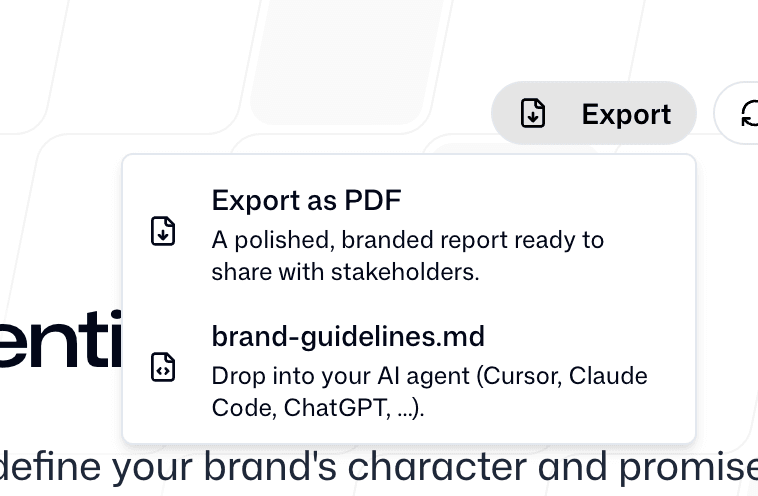
- 2Click the Export button in the top-right corner.
- 3Select brand-guidelines.md from the dropdown.
- 4Save the file to your project root or attach it to a chat.
How to use with your AI agent
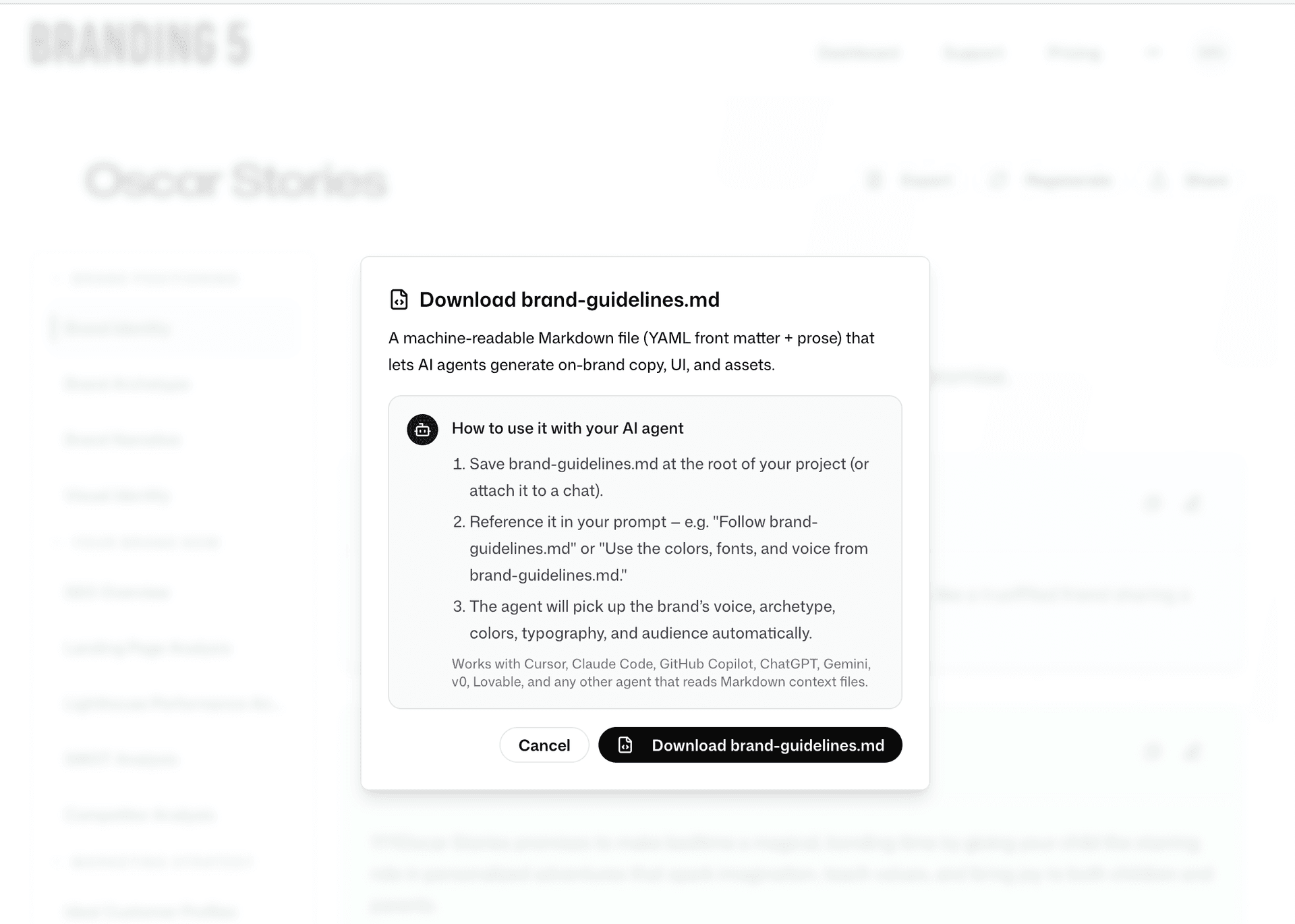
1. Save
Place brand-guidelines.md at the root of your project (or attach it to a chat).
2. Reference
Tell the agent: "Follow brand-guidelines.md" or "Use the colors, fonts, and voice from brand-guidelines.md".
3. Generate
The agent picks up your brand's voice, archetype, colors, typography, and audience automatically.
🤖 Works with Cursor, Claude Code, GitHub Copilot, ChatGPT, Gemini, v0, Lovable, and any other agent that reads Markdown context files.